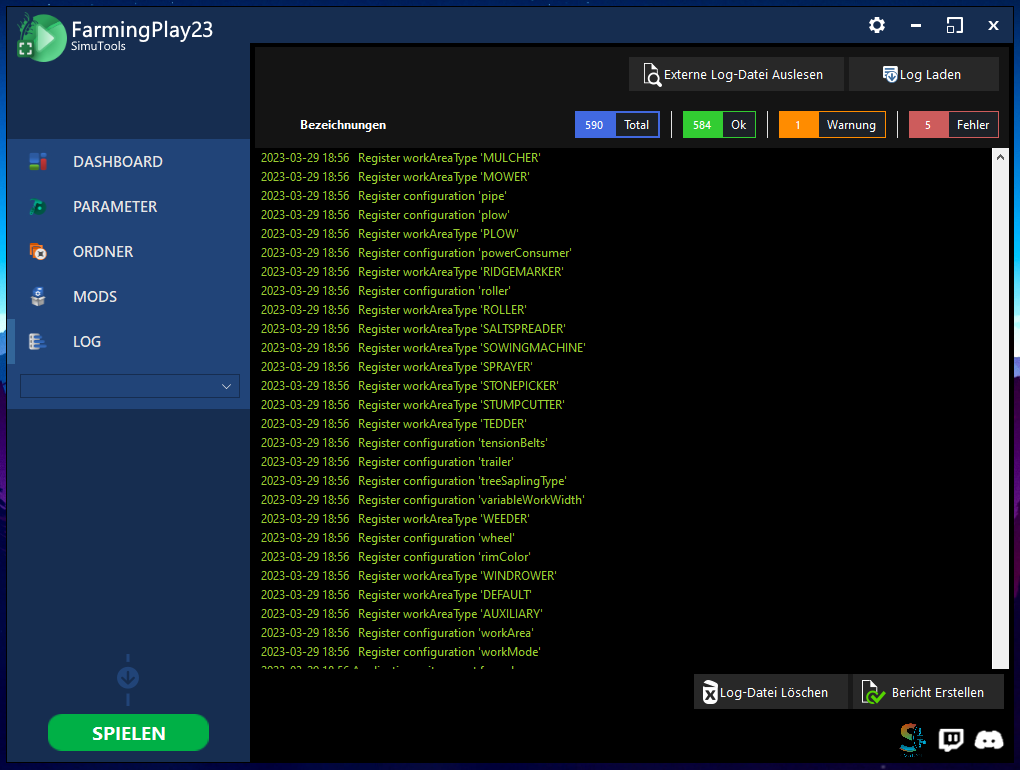
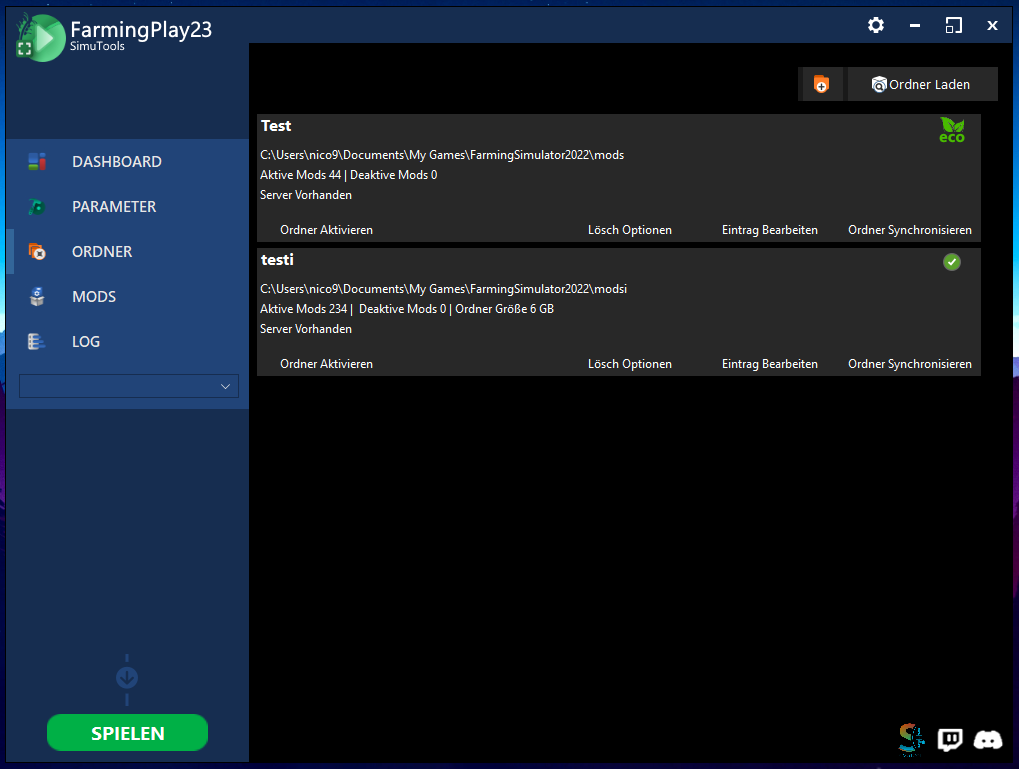
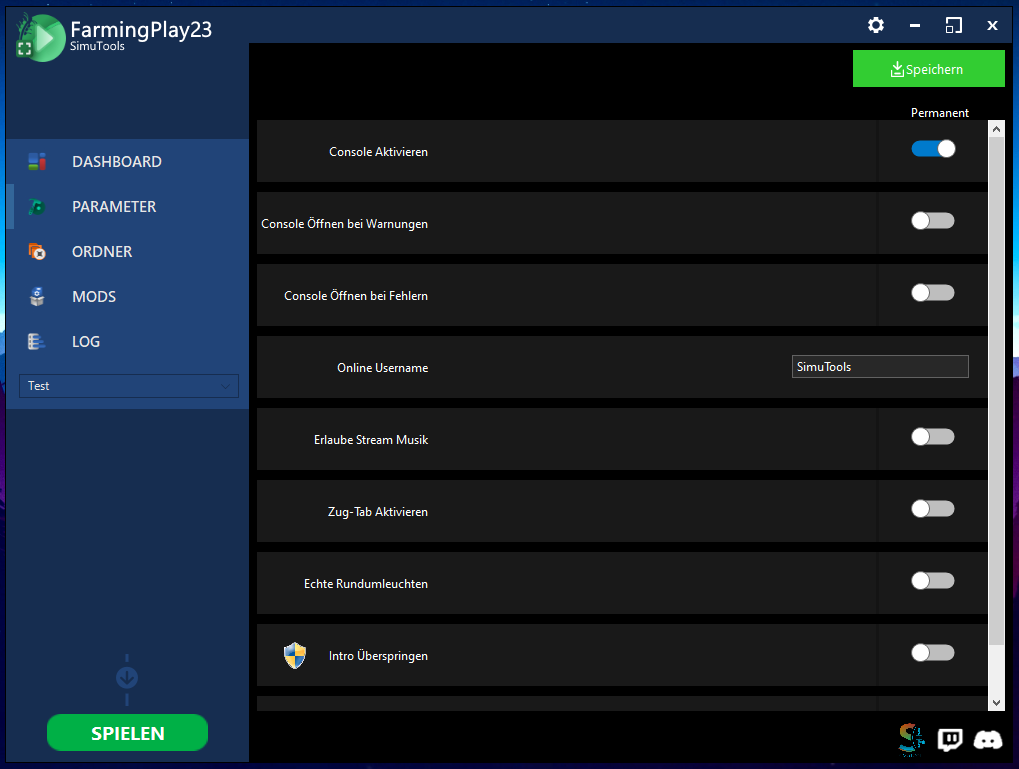
The new and improved FarmingPlay23 is here. Manage your mods, savegames and much more. – OPEN BETA
Other languages will be available from version 1.0.
What is FarmingPlay23?
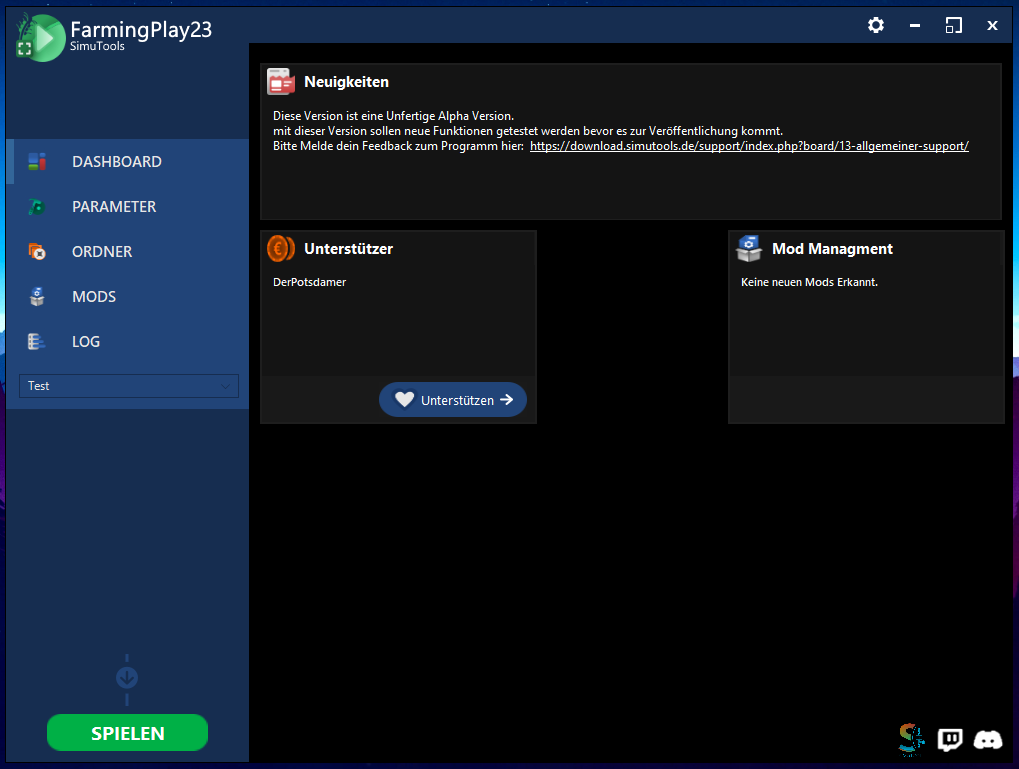
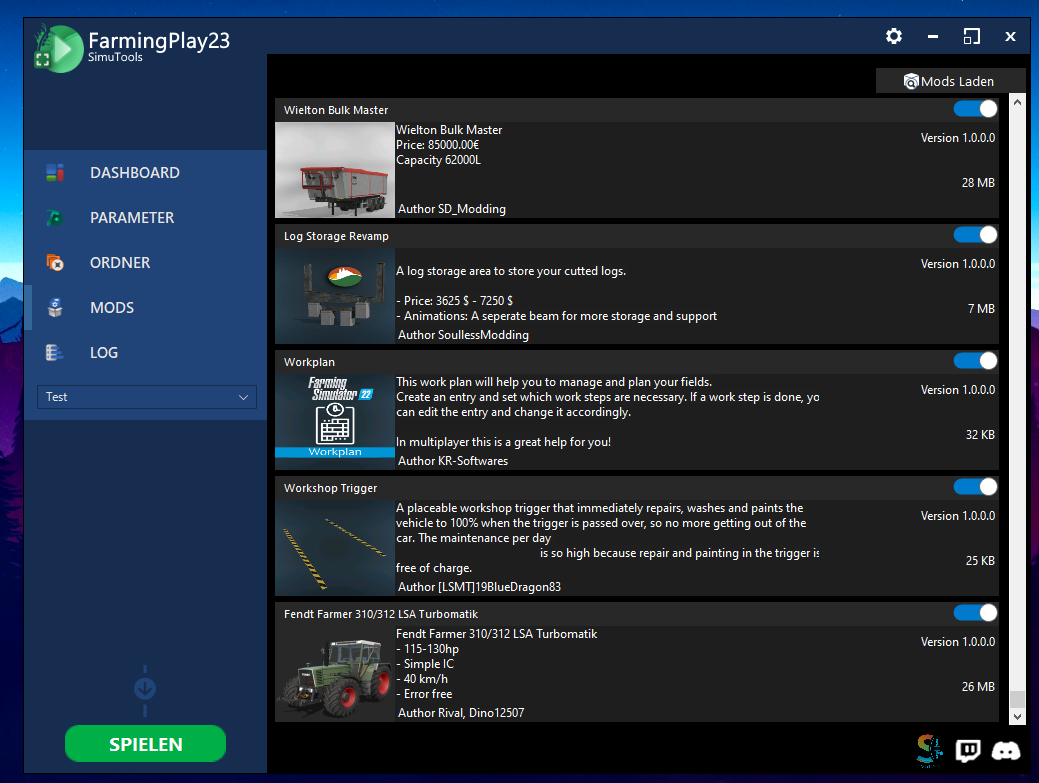
FarmingPlay23 is a game launcher for the LS22 that offers some additional functions such as.
– Mod management
– Management folder
– Game settings
– Download manager
Offers.
Available languages
German
How do I install it?
It is best to unpack the zip file in a folder (I recommend 7-Zip, just right-click on the file -> 7-Zip -> Unpack to…
Then click on “FarmingPlay23 – Setup.exe” and follow the setup instructions.
Once the installation is complete, the launcher will open and setup will begin.
The facility
0.1. Choose your desired language.
1. First select your LS22 installation directory, this is e.g. “C:\Program Files (x86)\Farming Simulator 2022”
2. Then select your MyGames directory, which is e.g. “C:\Users\%name%\Documents\My Games\FarmingSimulator2022”
3. Then select your log file, this is in the same folder (unless changed) as in 2. (i.e. in the MyGames folder)
4. Then select your application, if you have LS22 via Steam, click YES when asked, otherwise simply select the shortcut you would otherwise select to start LS22.
Credits:
SimuTools
Download mod
| File | File size |
|---|---|
 FarmingPlay23 - Setup
|
23 MB |