


Making Custom Skins
First off I recommend backing up these three files in the “Peter_389” folder.
Custom_paint_01.dds
Custom_paint_02.dds
Custom_paint_03.dds
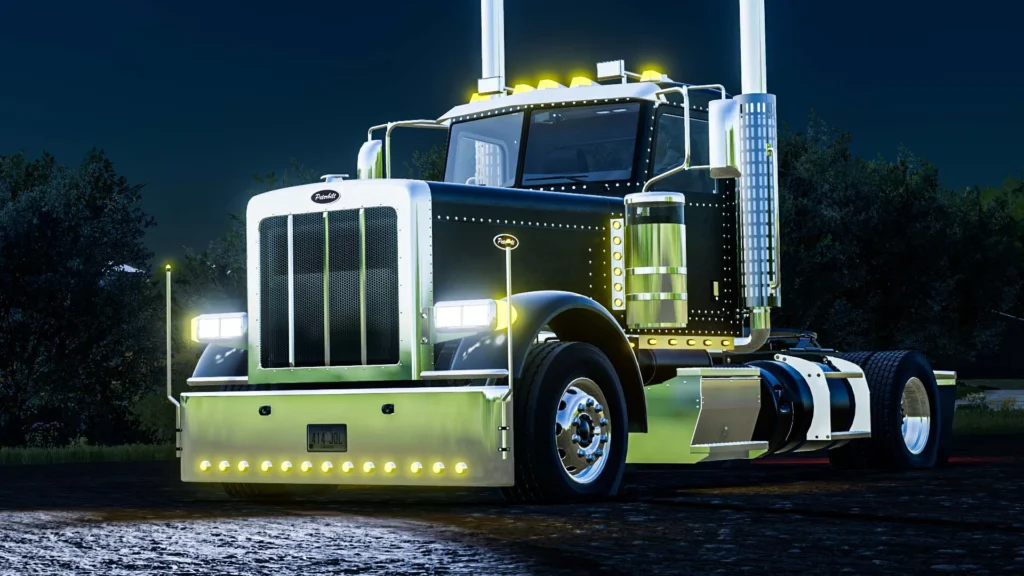
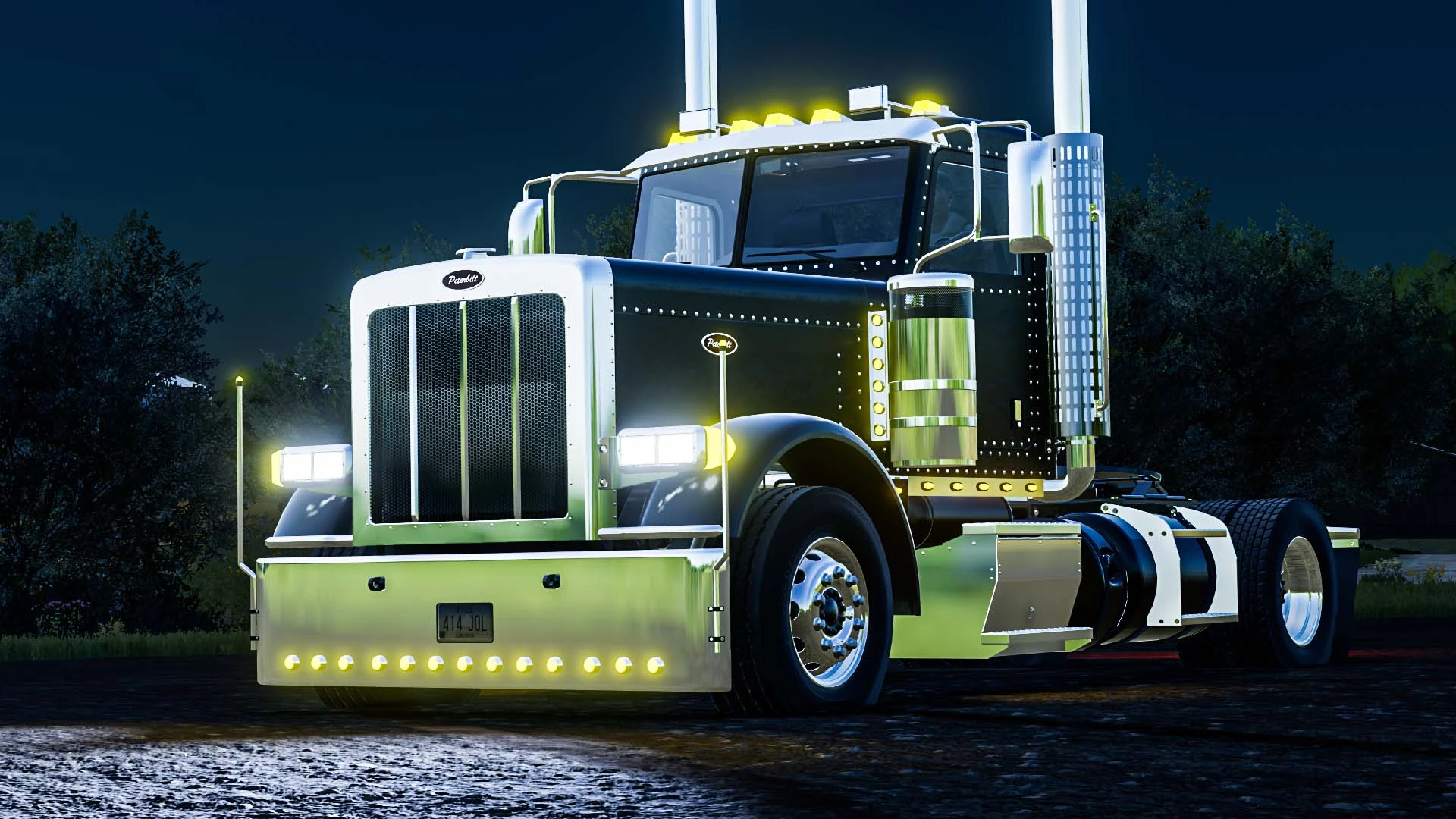
In the folder “UV map for custom skins” you will find a .dds image file of the UV for the Peterbilt 389. Simple using this as a template to create your custom skin using whatever paint program you want.
After you are done save the file as a .dds and name it as one of the three names “Custom_paint_01.dds” “Custom_paint_02.dds” or “Custom_paint_03.dds”. Place that file in the “Peter_389” folder and overwrite the files. You skin should now appear ingame when you select it ingame.
You can create up to three custom skins.
Credits:
Isaak
Tried getting as much credits as I could get. Whatever credits where listed in the mods that I used parts of I will include them here.
Ponderosa Logging (putting this beast into fs22)
Giants (for the Alcoa Cover Wheels)
Expendable Modding (putting this beast together and bring it to FS19)
arlan6 (the amazing Peterbilt 389 model)
SirBlackyAlot (heavy hauler bumper and bed from ATS heavy hauler pack)
Outlaw (headlights and bumpers from Outlaw’s Peterbilt 379 for ATS)
Gaints Software
Credits for the rims pulled from the Peterbilt 389 by Blue Line Modding:
Blue Line Modding
5150 3D
Ventures87 (wendi)
Chris (bay0net)
RBR-DUK (rbr_duk)
Jon (cascadia)Tim (polarexpress17)
Ivan (hardtruckisthebest)
Colonel
Alexey
Slider_556
SCS Software
Kriechbaum
Download mod
| File | File size |
|---|---|
 Peterbilt389RaceTruck
|
86 MB |
love the look hope to try it out when i am ungrounded