


The mod “Extended Vehicle Maintenance” from FS19 returns to FS22 with new features!
With this script you will make the maintenance of your vehicle a lot more complex and actually have to think about when you want to repair damages of your vehicle.
Damages occur on every vehicle over time. Some of them you will be notified of in the help window, some you will have to find through a one-hour inspection.
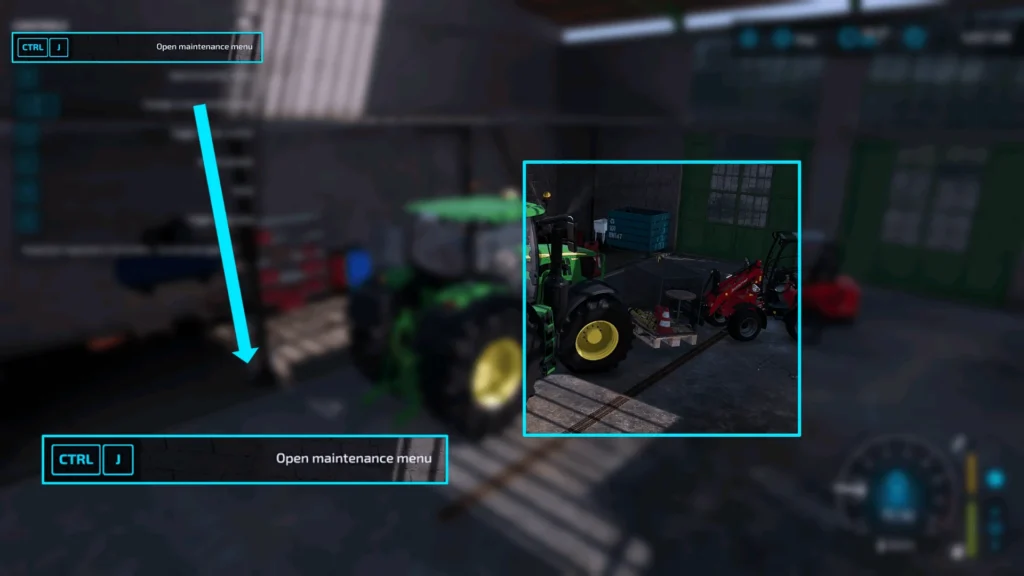
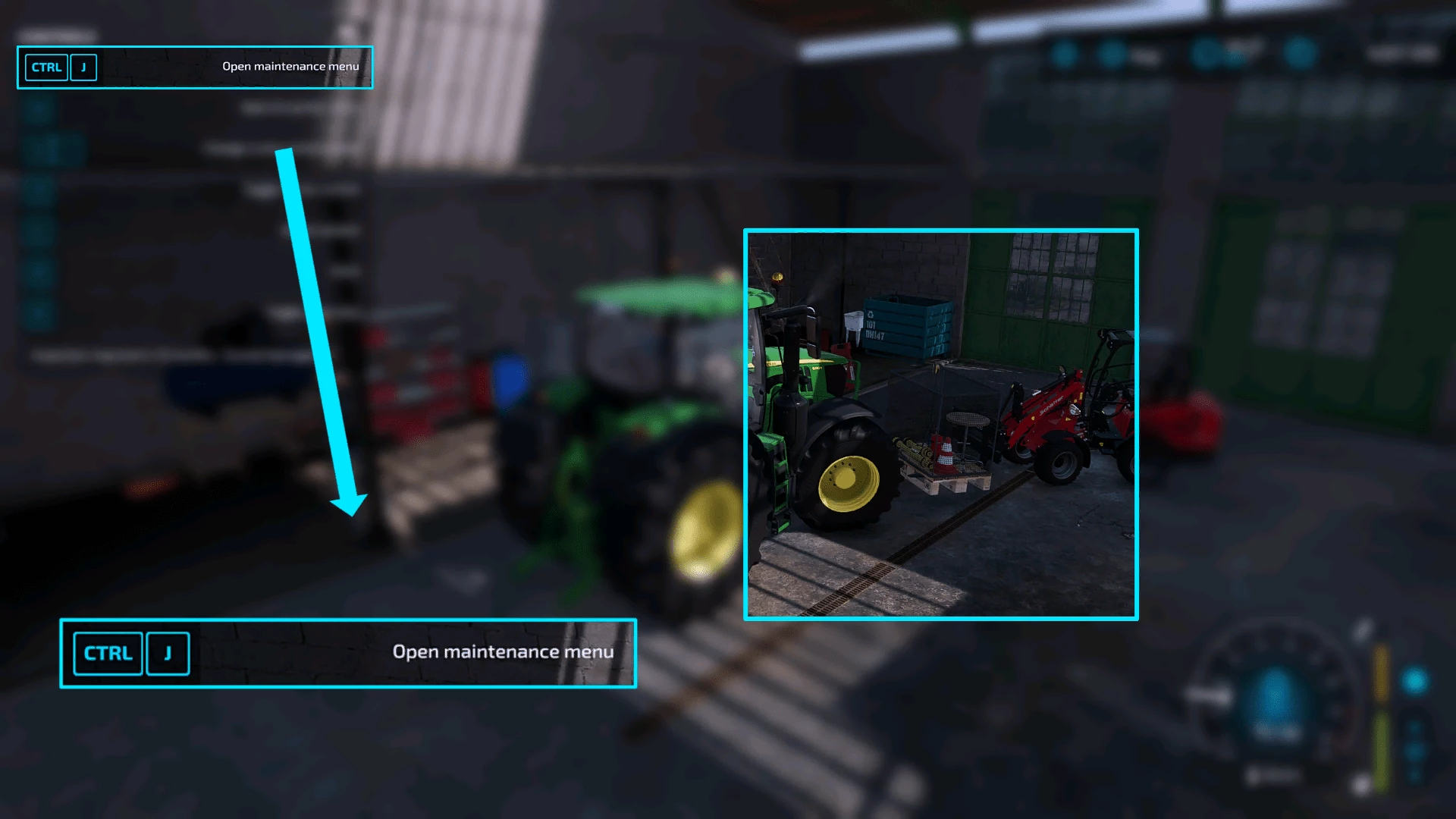
To start an inspection or repair the damages, you need to buy a pallet in the shop, drive close to it and then call up the maintenance menu (by default CTRL + J). In this menu you can select how many damages you want to repair. You will also be shown how much a repair would cost with the current selection and how long it would take.
Once a maintenance or inspection has been started, it will only be carried out during the working hours from 7:00 – 21:00 o’clock. However, if it falls within a time window when no work is being carried out, it will be paused until the morning.
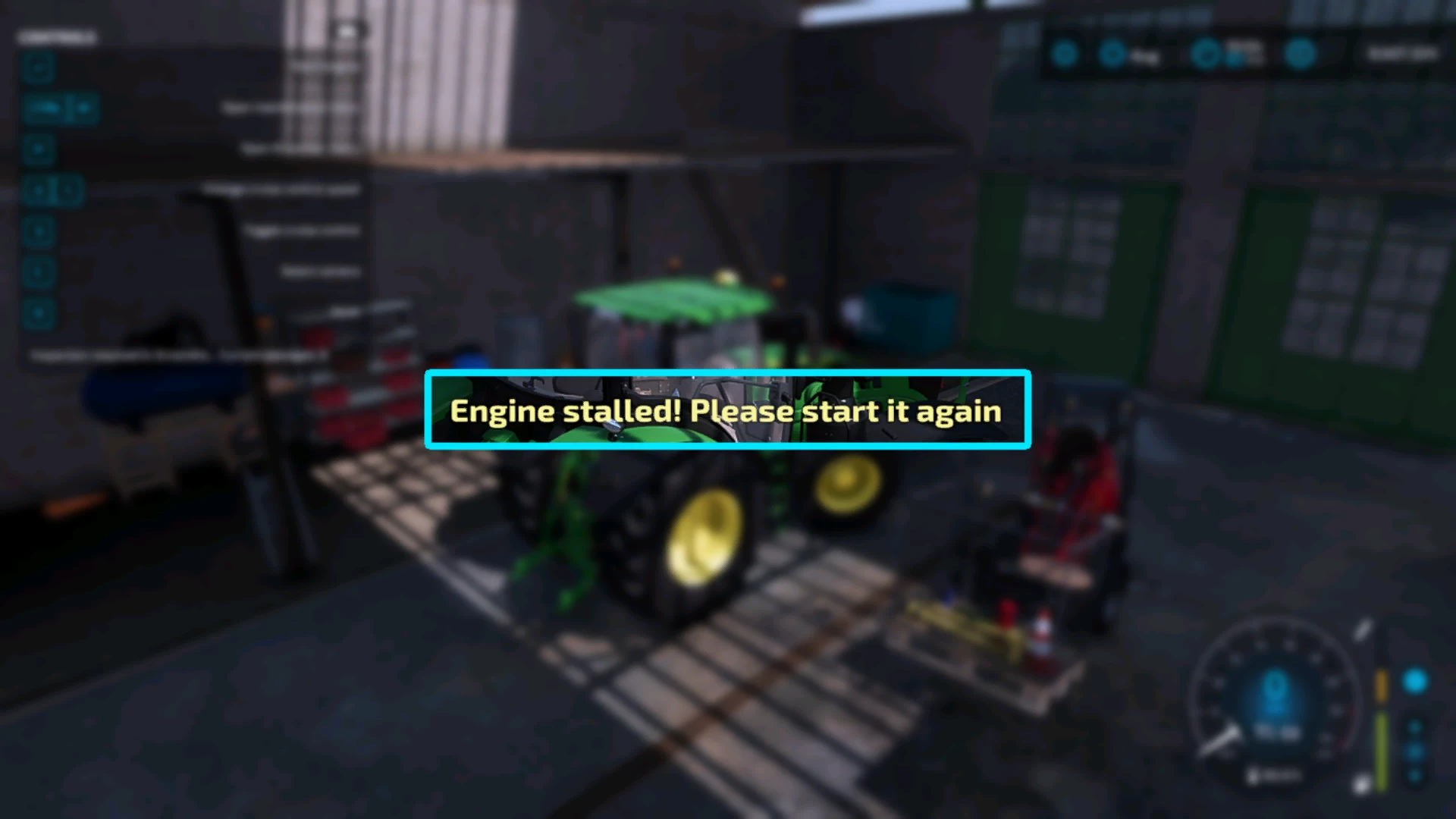
If you don’t repair the damages your vehicle has suffered over time, it will take longer to start, risk false starts and stall if the engine is under excessive load.
The first time you start the game with this mod, the script looks at the current vehicle damage and adds the number of damages that would have caused this vehicle damage. These damages are already known, so they do not have to be found by an inspection and can be repaired straight away via the maintenance menu.
If you are playing with the latest version of the CVT_Addon mod, improper vehicle operation increases wear on the gearbox. Below 90% damage, the gearbox can be repaired for money (maximum 10.769,-) and a lot of time (maximum 11hrs) – above 90%, the gearbox must be completely replaced. This costs considerably more (15.000,-), but takes less time (7 hours)
In addition, the costs for the repair and the amount of damages can be set in the ESC menu with the “Repair and paint settings (Configure Maintenance)” mod.
– Full local multiplayer and dedicated server support
– Supports the mod “CVT_Addon”
– Supports the mod “Repair and paint settings (Configure Maintenance)”
– Compatible with the mod “Advanced Maintenance”
– Compatible with the mod “Advanced Farm Manager”
– Compatible with the mod “Auto Repair”
– Compatible with the mod “Mobile Workshop” (does not replace the maintenance pallet!)
– In-game tutorial available
(Console command “rdsResetTutorial” available to restart the in-game tutorial for yourself)
– Help available in the ESC menu
– When activating the automatic engine start, the engine stall function is deactivated
– Console command “rdsResetDamages” available to reset all damages of the vehicle
– Console command “rdsResetInspection” available to reset the time until the next inspection
– Console command “rdsStopActiveRepair” available to complete an active inspection or maintenance immediately
– Console command “rdsDebug” available to write a debug to the console
– Console command “rdsRemoveDamages [number]” available to remove the entered number of known damages
– Console command “rdsFindDamages” available to uncover all hidden damage
Credits:
Frvetz
Download mod
| File | File size |
|---|---|
 FS22_RealisticDamageSystem_0_9_1_6
|
13 MB |
|
FS22_RealisticDamageSystem
|
10 MB |
I have a problem, when i sleep in multiplayer game after vehicle inspection, the game stop functioning. I can’t walk, open menu and other thing.
nie działa
don t try using it bcs it won t work
The mod sucks, when the vehicle is left unused for a whole year it still accumulates damage. The damage and its type should depend on the type of equipment and the number of operating hours
vehicles still need maintence even when not used
super modzik
FYI, the two mods arent the same. if you are not using the cvt add on mod, use the original. if youre using cvt add on mod use the 0916 version. i had the same issue with the menu not opening, then I came back and used the first mod and it works fine
cant open menu either
try single player, as some scripts do NOT work in multiplayer
Bugged, can’t open the menu even with remapping the keybinds.
@tiger
exactly the same.. 🙁 unfortunate regardless
Update: Definitely user error on my end
I *did* update to the latest github vs.. but still couldn’t sort it.. was about to give up but watched a video.. turns out I wasn’t close enough to the repair pallet AND I needed to reset the keybind (still using ctrl + j but, as with ‘parking’.. some compatibility error makes me delete and reset the keybinding)
Anyways- all set now! Amazing mod! Working great with 700ish others:D
bug i cant open the menu but i do have 600+ mods like modded combines