

TerraFarm Settings for the mod
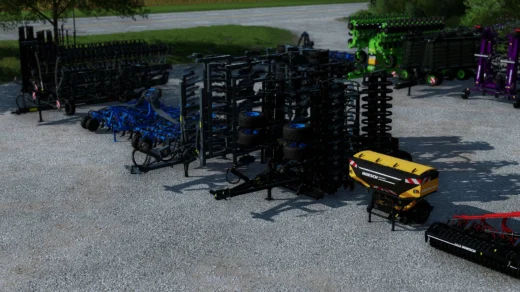
MX Pack 1.1.0.0 by HardModding,NicoPix’s,Univers Simu Modding
(PS: Only for the Front loader material buckets)
Requirements:
-The mod MX Pack 1.1.0.0 by HardModding,NicoPix’s,Univers Simu Modding
-TerraFarm Mod installed
-Notepad++ or similar
-WinRar / WinZip
– Extract the content of the Terrafarm modfile (FS22_Terrafarm.zip), open the extracted files and find the folder “xml_configurations”
– Copy the folder “MX” from this archive into the “xml_configurations” folder.
– In the same folder, find and open up the file Index.xml – (preferrably inside Notepad++).
– Add the following as new lines on the bottom or top of <configurations>
<entry>MX/MX_bc245hd.xml</entry>
<entry>MX/MX_br200.xml</entry>
<entry>MX/MX_bru200.xml</entry>
like so:
<?xml version=”1.0″ encoding=”utf-8″ standalone=”no”?>
<configurations>
<entry>MX/MX_bc245hd.xml</entry>
<entry>MX/MX_br200.xml</entry>
<entry>MX/MX_bru200.xml</entry>
– Go back to the main folder of the Terrafarm modfile you extracted, and select all files.
– Then add files to archive / zip it back to the original Terrafarm modfile. (same name as the folder, with .zip as file extension)
Now TerraFarm is be enabled for the MX Pack frontloader buckets that comes with the MX Pack Mod, you’re welcome 🙂
Credits:
TheAshladzz
Download mod
| File | File size |
|---|---|
 TFS_MXPack
|
45 KB |


would it kill yall to coordinate this crap so we arent having to screw around with all this?