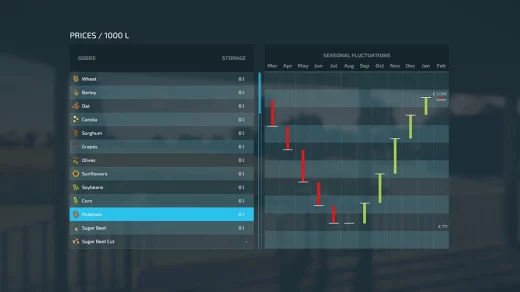
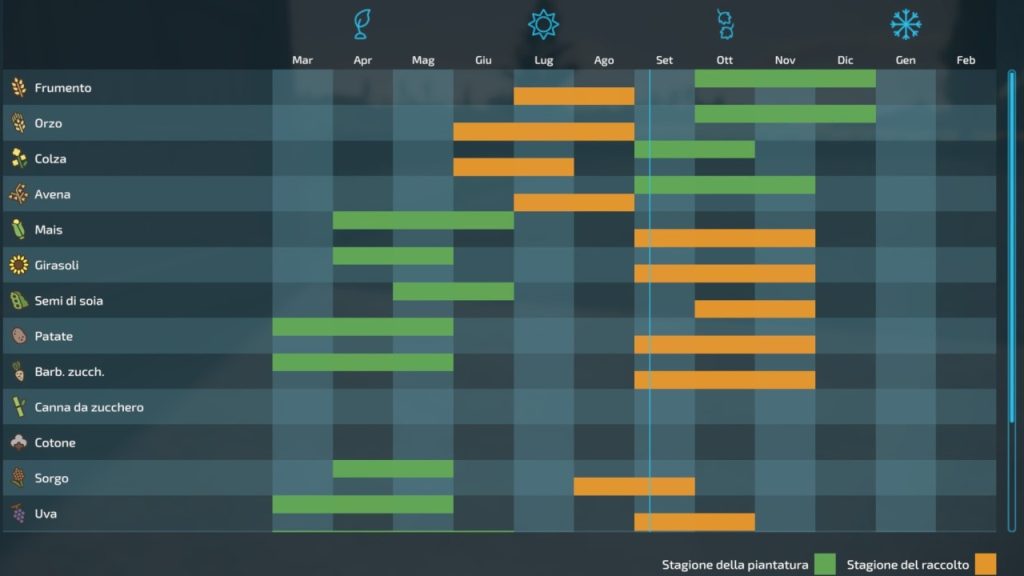
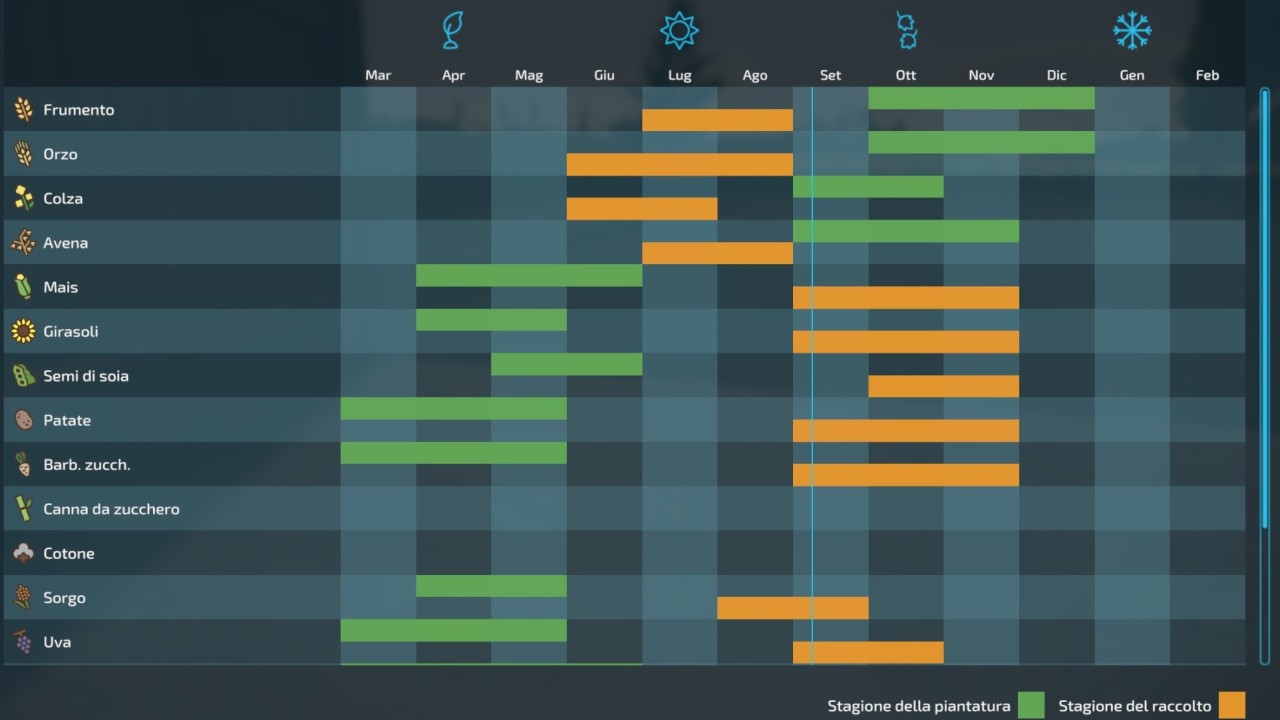
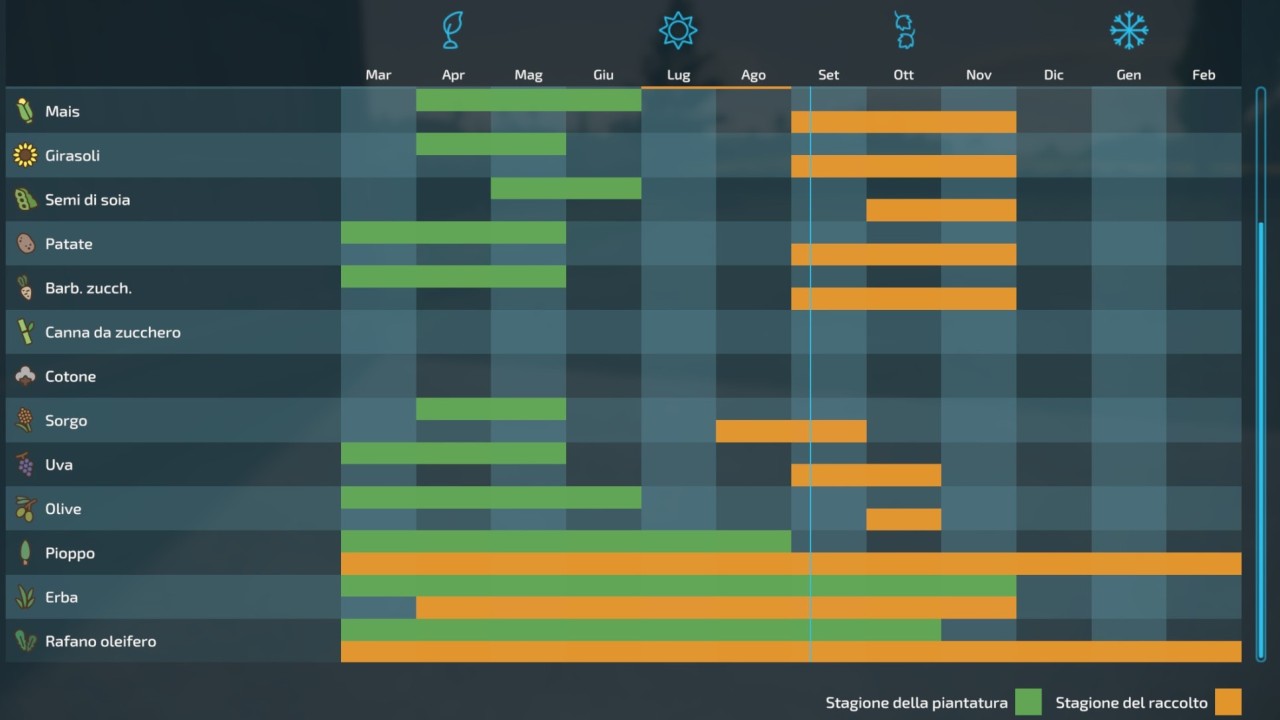
Today I propose this change to the default geo season, this one in particular, very similar to the agriculture that takes place in central Italy, that is, the agriculture that surrounds me.
*** IMPORTANT ***
Before installation make a backup, both of the save and of the old season.
INSTALLATION INSTRUCTIONS:
If you use a default map or a mod map that uses the default season (this can be understood by opening the folder related to the map in mod and look for if it has its own “ maps_growth ”)
In both cases, having identified this “ maps_growth ” relating to the map you want to modify, simply move it by replacing the old one, or rename my file, if it has a different name, identical to the one you want to replace .
HOW TO FIND “ maps_growth ” in the original FS22 files:
In case you used a default map the operation is very simple, everything is found in the folder folder of fs22, for those who have Steam for example:
hard disk (C, D, E, F etc) / SteamLibrary / steamapps / common / Farming Simulator 22 / data / maps
Once you get here, you should see this “ maps_growth ” file
perfect, move my file in here, it will ask you to replace it, accept (please, make a backup copy of the original one, first) and that’s it!
Enjoy!
Credits:
Colonist_AgriTeam
Download mod
| File | File size |
|---|---|
 Geo_Center_Italy_4.0
|
114 MB |
|
Geo_of_Center_Italy_3.0
|
376 KB |