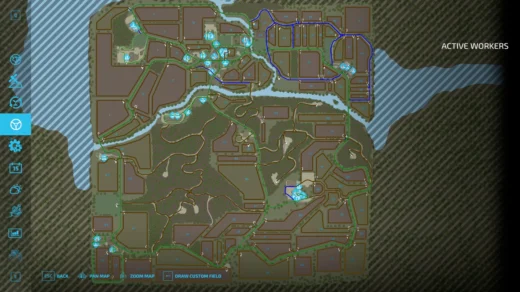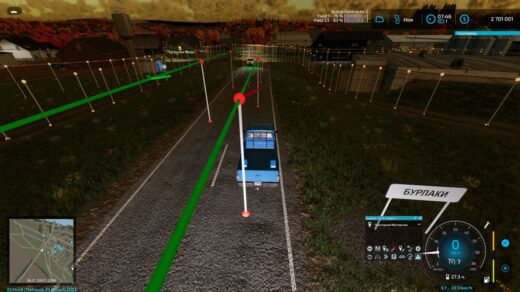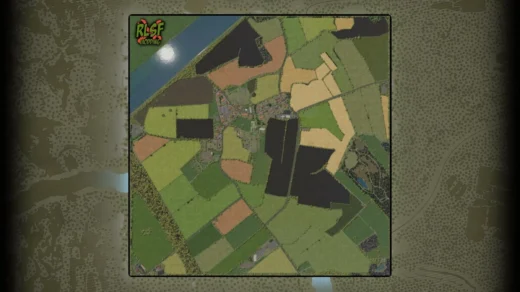
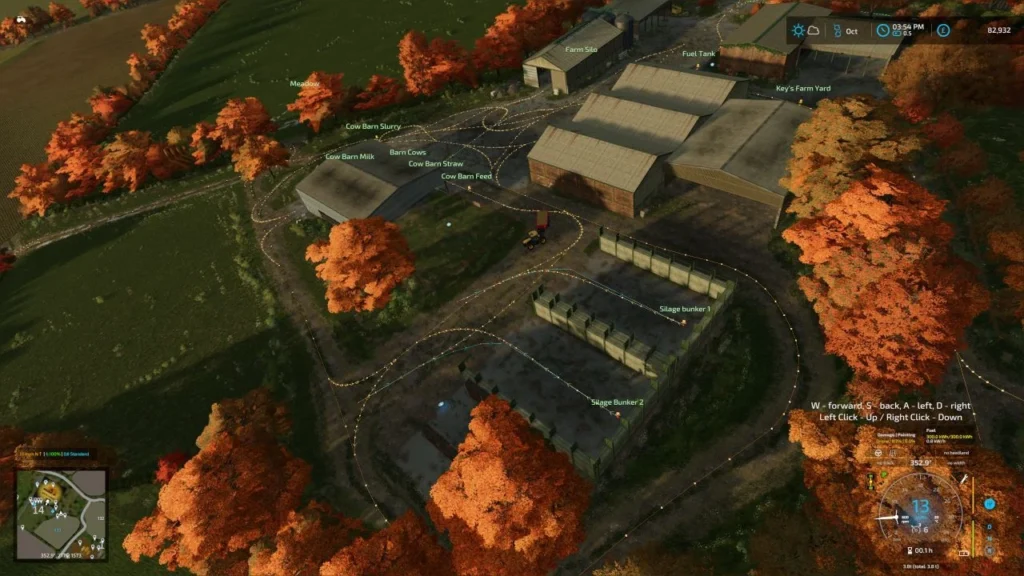


This is the full AutoDrive course created by Finnish Farmer for Vintage Oaks 4x map by Farm Sim Brisco.
It has 551 Waypoints covering; All Fields, All Farms, Productions and Fill and Sell Points.
Install instructions
– You will need to have a game save for Vintage Oaks with AutoDrive loaded.
– If not an old game save, open a new game save, say ‘Yes’ to the generation of an AutoDrive course on initial load in, save the game, quit and close the game.
– Find the ‘savegame #’ folder in game folder (usually documents>my games>FarmingSimulator22>savegame #).
– Open the corresponding game save folder and find the ‘AutoDrive_config’ XML File and delete it.
– Take the ‘AutoDrive_config’ file out of the ZIP folder and place in the game save folder.
– Start up the game again and load up the save game and it should all be there.
Credits:
FinnishFarmer
AutodriveCreators
Download mod
| File | File size |
|---|---|
 AutoDrive_config_Vintage_Oakes_V1.1
|
1 MB |