
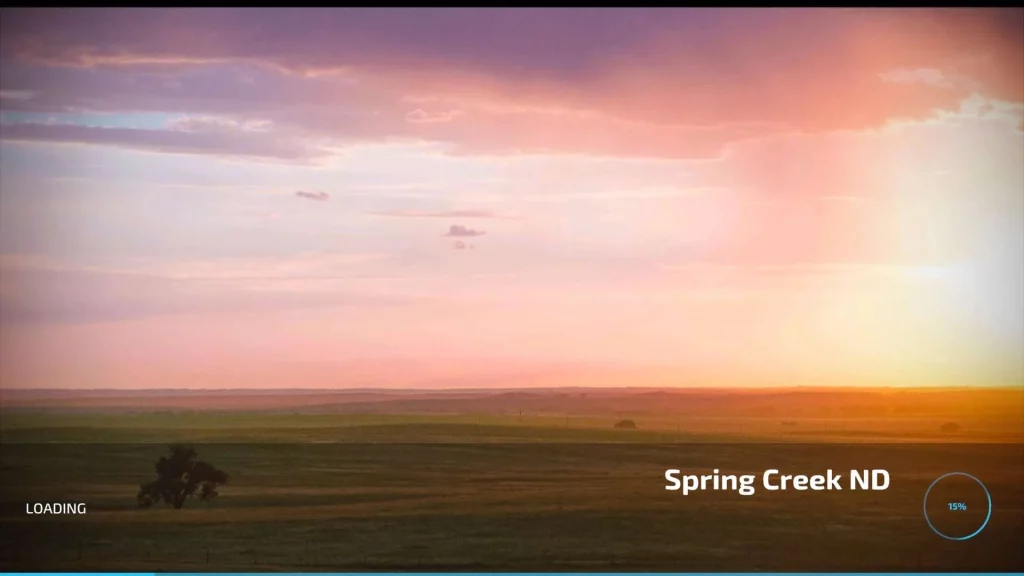
Spring creek 12km original by AFB Mapping modified:
Added 2 x gas Stations
Added 2x Dairies
Added 2x Sugar Mills
Additional Bakery
Map boundaries
Added Carrot, Onion, Rye and Millet
Changelog:
Credits:
Original Map AFB Mapping, edited by geeman72
GSI MOD:-
River Bottom Custom Farming
Ryan Kusumo Dhewanto
Tazz Modding
DOWNLOAD FS22_Spring_Creek_12km_Modified.zip
Download mod
| File | File size |
|---|---|
 FS22_Spring_Creek_12km_Modified
|
932 MB |
please add a sawmill on the map
Hello everyone,
I really enjoy this map; I’ve already put a tremendous amount of hours into it. Though, that was only the 1.0 version.
I tried this update, and I have a few observations and questions:
I’d be really grateful to get some answers to these questions.
Best regards
please add this to farming simulator 25
Note there is an error in the map from the original author that was not caught by the uploader here. The following 3 mods are required but are not listed as dependents:
FS22_hugeAmericanFarmPack
FS22_trailerFarmPack
FS22_PlaceableCBJsheds
the first 2 are available on modhub the other can be found on this site as of writing this comment.
The Map looks and runs great but there are still floating trees about the map and the fields near start farm I believe ID 117 there is no map edge and when you get close to the map edge the game crashes. It appears there is no map edge and you can just drive off which also causes CTD. I am not a modder but perhaps adding a map edge that stops you and maybe adjusting the fields sizes along the edge will solve the issue IDK, but you cant haarvest the fields near the edge all the way, you leave a strip that if you try to harvest it CTD hardcore.
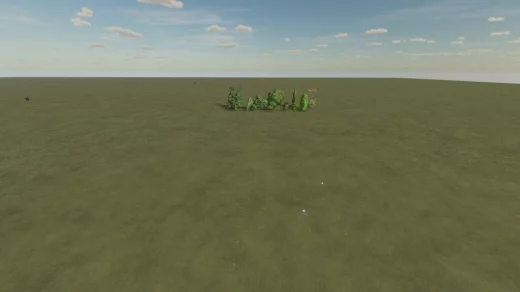
Fiel 171. Seems I do not fall off but there is just no proper map boarder. It is just sky and it looks you can fall off. Not made very nicely. Infinite map with red cross/ end of map would look nicer
Onions disappearing when ready to harvest. Any fixes?
just have 1 issue when buying farmland it does not highlight owned land or land selected
You forgot to list the required mods
I absolutely love the map you’ve created and I really enjoy playing on it. and of course there are still some mistakes left and right that still have to be processed 1 it is that the glitch in the vehicles are quite different. and some mods don’t work at all anymore. Furthermore, the map runs very smoothly for me and you can build on it very well and play creatively with it. Now I have 1 question I wanted to sow Alfalfa but no idea how to do that or which machines you can use will that come with the next update or am I overlooking something.
search the mod site for alfalfa specifically and see what you come up with
I wish people would get their map sizes right. This map is 12km. Making it a 24X map for those that wish to use the archaic and very WRONG size delineation for maps. Simply use the size in Kilometers and there would be way less confusion.
In case anyone cares:
Pixel units x2
PIXELS Meters KM X VALUE
1024 x 1024 = 2048 x 2048 2km x 2km 1X
2048 x 2048 = 4096 x 4096 4km x 4km 4X
4096 x 4096 = 8192 x 8192 8km x 8km 16X
6144 x 6144 = 12288 x 12288 12km x 12km 24X
8192 x 8192 = 16384 x 16384 16km x 16km 32X
16384 x 16384 = 32768 x 32768 32km x 32km 64X
People have been using the “x” measurement since fs2013. Everybody knows that it means its multiplied by the size of the base maps. Nobody else has an issue with it, and just because you do doesnt mean its “wrong.” Its a comparison to the base maps, thats easier for people to wrap their heads around. Nobody is confused.
works great for me jus wish u could fix the shuttin in some eqment
Fix the map before upload it keep crashing to the Desktop 65%
just let it load
Gets to 65% Loading and freezes up and crashes to desktop
let it load
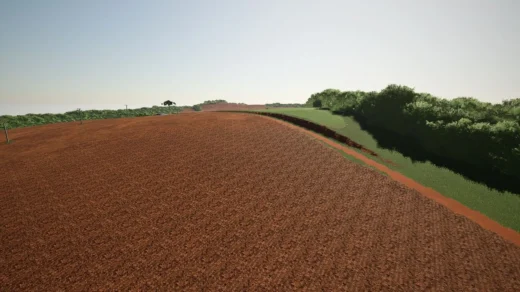
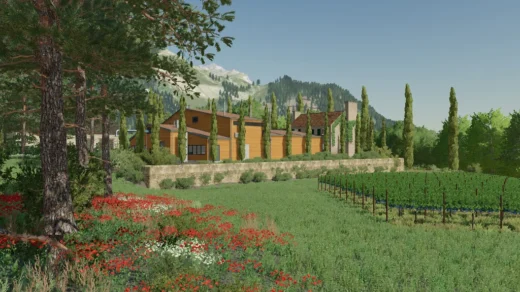
the view is amazing